Compare drawing versions inside Onshape
We are building a Comparedrawing integration for Onshape, so your team can compare a drawing with any earlier version and see each detected change annotated on the sheet.
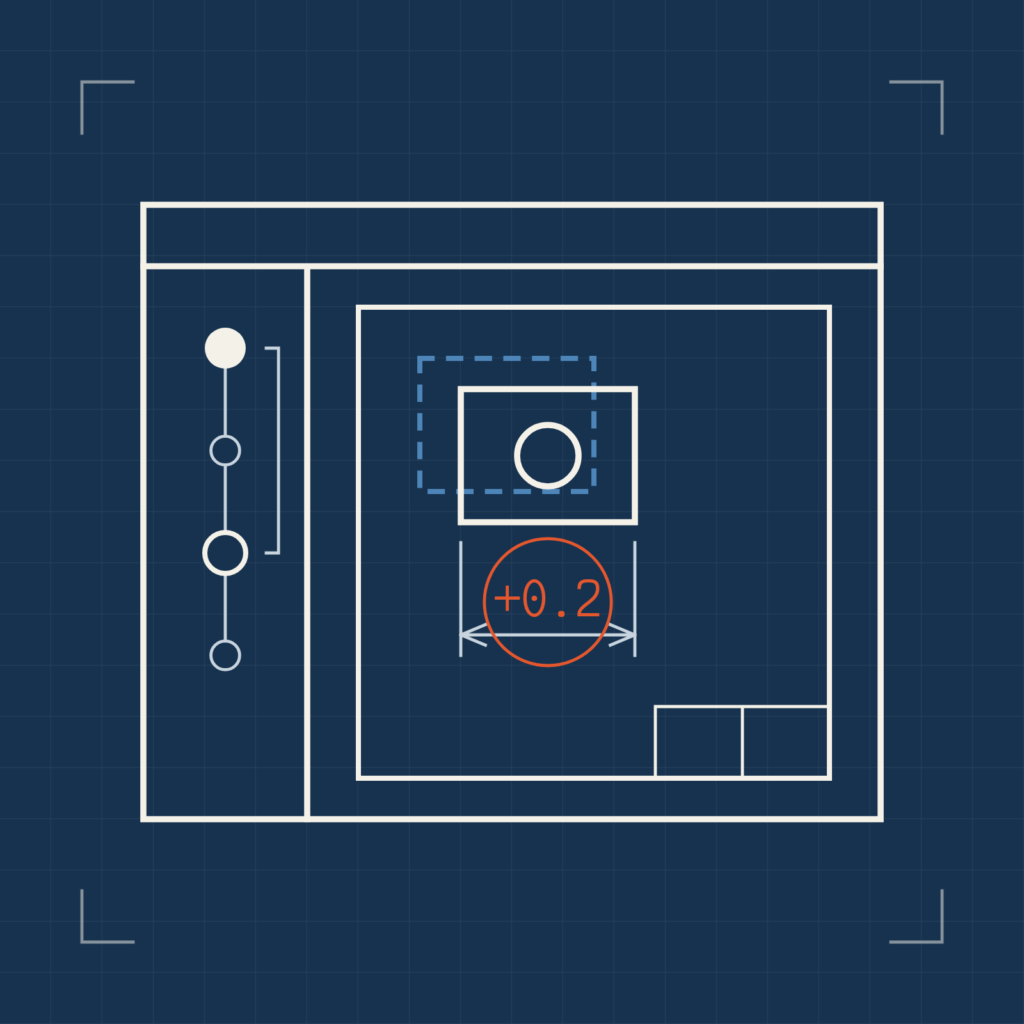
When a drawing changes in Onshape, someone still has to work out what actually changed between the last version and the current one. Onshape’s built-in compare covers Part Studios, but not drawings, so teams usually check drawing changes by eye.
We are building a Comparedrawing integration for Onshape. Soon, Onshape users will be able to compare a drawing with any earlier version directly in the Onshape interface. Comparedrawing exports both versions and annotates each detected change on the drawing.
The video below shows the development version at work on a part drawing: pick a saved version, run the comparison, and step through the changes it found.
Behind the comparison is computer vision based on deep neural networks. The models recognize the geometry on each sheet rather than comparing pixels, so a view that has moved or a sheet plotted at a different size is not mistaken for a design change. They are non-generative: they read the drawings and never alter them.
Reviewers can then focus on the dimensions, tolerances and notes that affect manufacturability. The engineering team still decides whether each change is acceptable.
If your team designs in Onshape and would like early access, feel free to reach out!